


How to Update Your Phone Number
Go to https://sarawakid.sarawak.gov.my.
Log in to view your member page.
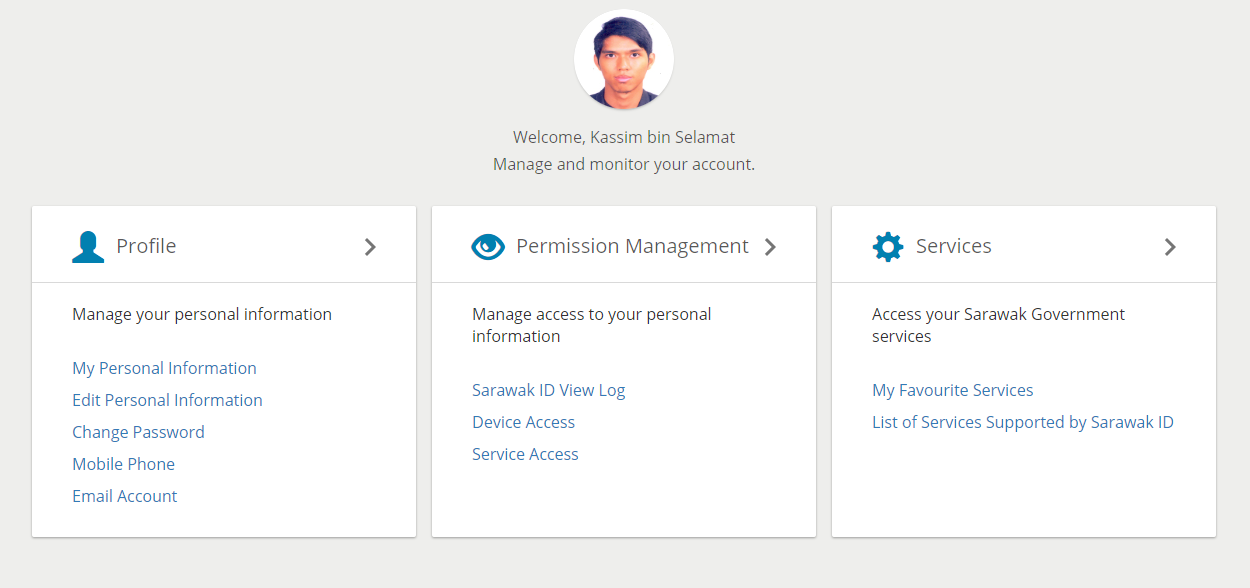
Under 'Profile', click 'Mobile Phone'.
The Mobile Phone screen will look like this.
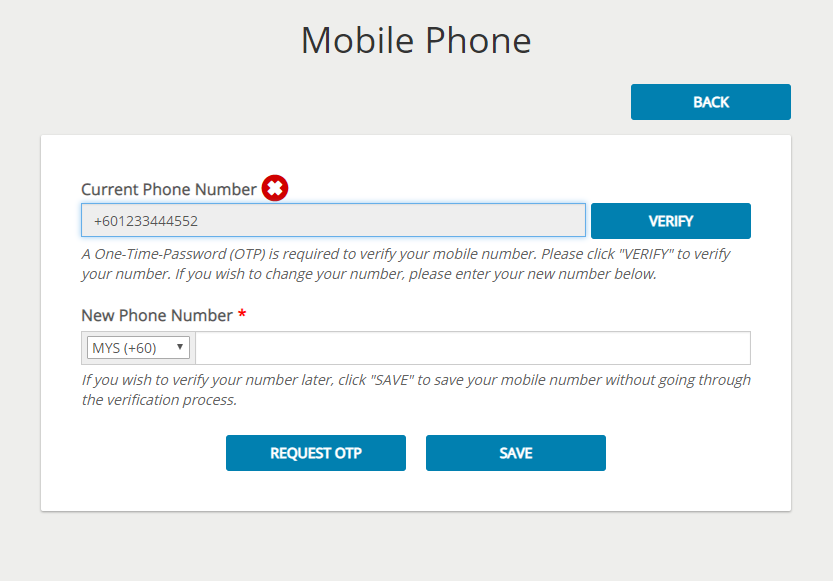
To update your phone number, you simply have to key in your new phone number in the "New Phone Number" text field such as below.
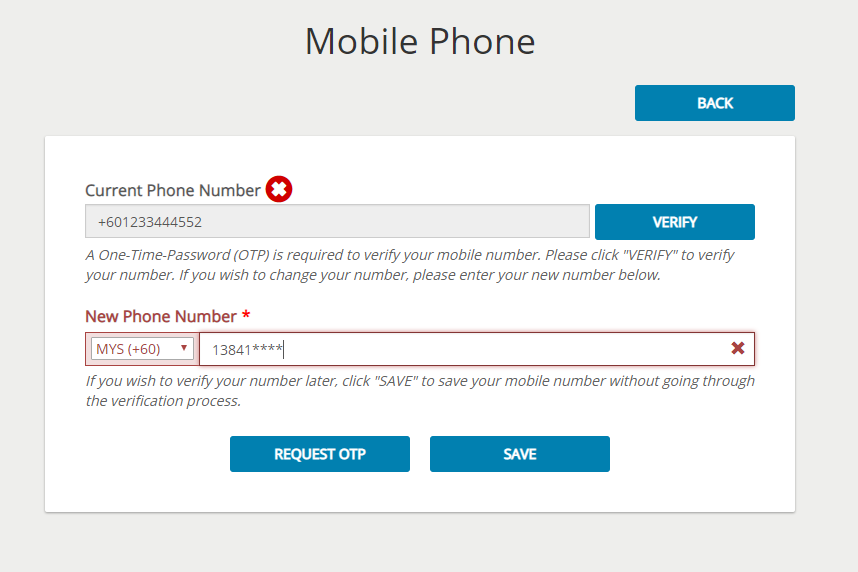
Once you have key in your new phone number, click on the "REQUEST OTP" button.
System will send a one-time-password (OTP) to your new mobile phone for you to verify your new number.
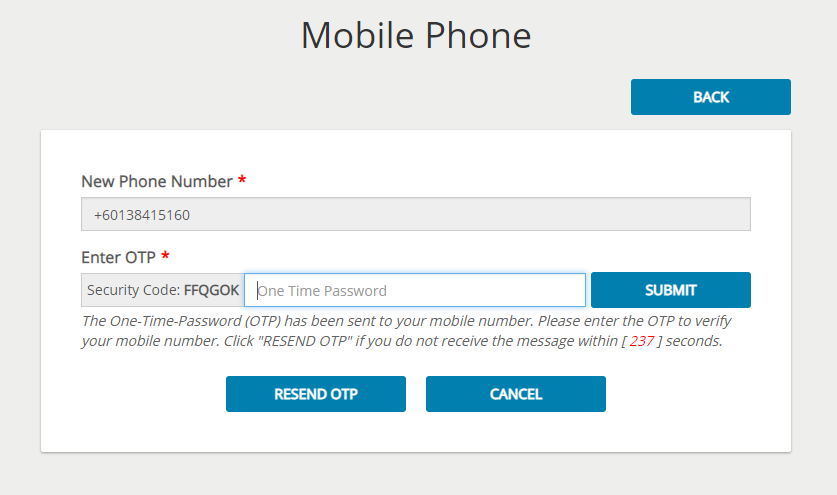

Key in the OTP obtained from the sms sent to the field labelled "One Time Password".
You need to make sure that the security code that is shown on screen is the same with the ones sent to you.
Click on the "SUBMIT" button to submit the OTP and system will verify the OTP submitted.
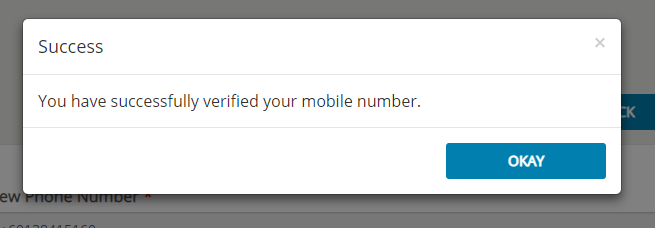
Once verification is succesful, system will show the succes message as below :
To update your phone number now, please click on this link.


